
Quick Summary
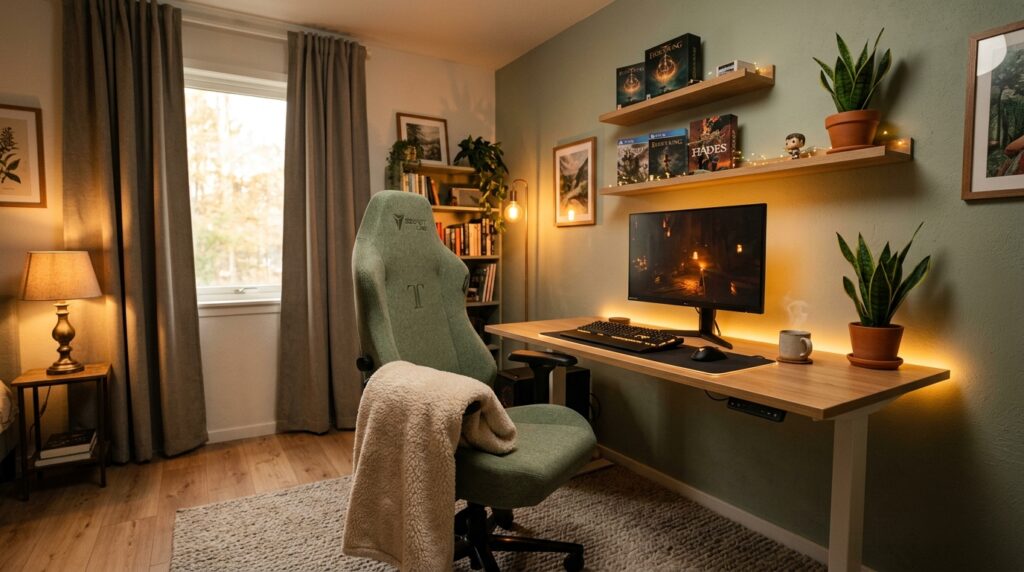
A cozy gaming room comes down to three things: warm dimmable lighting instead of harsh overheads, soft supportive furniture instead of cold hard surfaces, and a layout that separates “gaming mode” from “sleep mode.” Get those right, and everything else falls into place.
Cozy gaming room ideas usually get buried under guides obsessed with frame rates and RGB syncing. This one is different. If you’ve ever sat down for a quick gaming session and found yourself still there three hours later, stiff-necked and staring into a too-bright monitor in an otherwise dark room, you already know what’s missing: comfort.
A cozy gaming room isn’t about going soft on performance. It’s about building a space you actually want to spend time in — one that feels warm the moment you walk in, supports your body through long sessions, and doesn’t leave your eyes wrecked by 11 p.m.
Looking for ways to make a tight space work instead? Check out our Small Gaming Room Ideas guide for layout-first tips.
At a Glance
- Warm, dimmable lighting is the single biggest factor in cozy gaming room ideas — more than any RGB setup
- A plush rug cuts noise and softens a room dominated by hard tech surfaces
- Fabric chairs with real lumbar support beat leather for long sessions
- Keeping your monitor away from your bed protects your sleep quality
- A few plants and soft textiles go further than expensive tech upgrades
Table of Contents
1. Choose Warm, Dimmable Lighting Over Harsh RGB
2. Add a Plush Rug to Soften Hard Floors and Sound
3. Pick an Ergonomic Chair With Soft, Breathable Fabric
4. Keep a Throw Blanket Within Arm’s Reach
5. Add Floating Shelves for Games and Personal Touches
6. Bring in a Houseplant to Soften the Tech-Heavy Feel
7. Layer Soft Textiles: Curtains, Cushions, and Wall Panels
8. Separate Gaming Mode From Sleep Mode With Smart Layout
9. Mistakes That Make a Gaming Room Feel Cold, Not Cozy
10. Pro Tips to Build a Cozy Gaming Room on Any Budget
Ambient Lighting Comparison Table
Final Thoughts on Cozy Gaming Room Ideas
Frequently Asked Questions
1. Choose Warm, Dimmable Lighting Over Harsh RGB
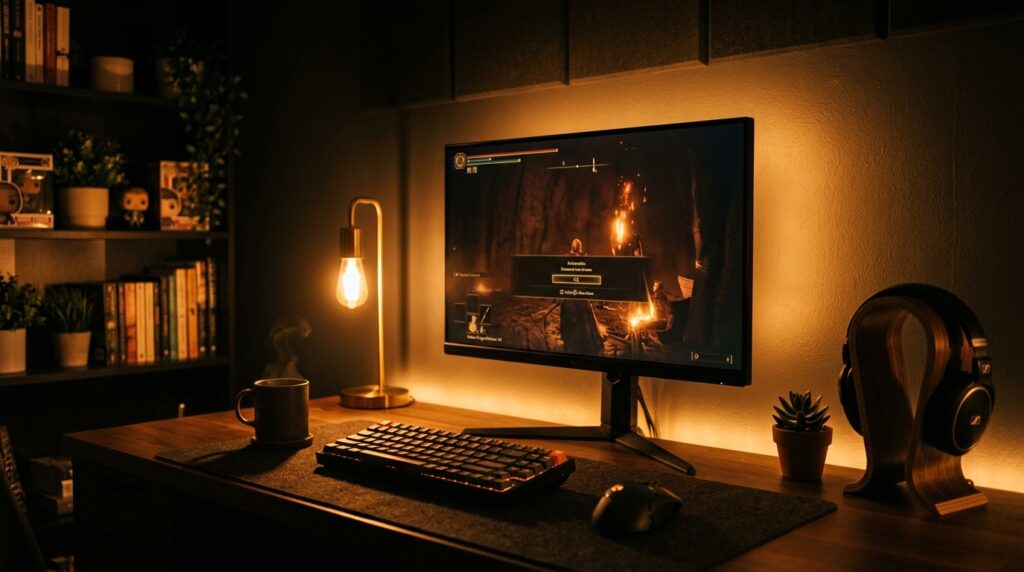
Cozy gaming room lighting starts with one simple swap: dimmable, warm-toned light instead of a single bright overhead bulb or default cool-white RGB. Warm light relaxes your eyes and makes the room feel intentional instead of clinical.
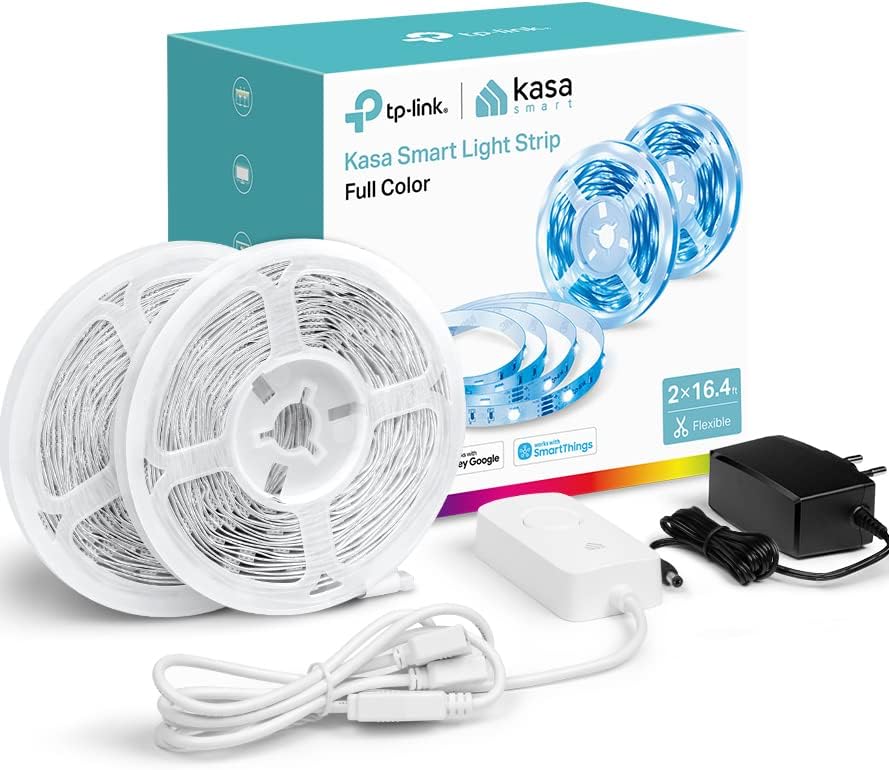
- Use a smart LED strip behind your monitor or desk that can shift from warm white to color depending on your mood
- Keep brightness on a dimmer or app control so late-night sessions don’t strain your eyes
- Avoid lighting your monitor is the brightest thing in the room — add at least one secondary light source
I used to game with just my monitor lighting the whole room, and by hour two my eyes were aching without me realizing why. One warm LED strip behind the desk fixed it completely — it wasn’t the game, it was the contrast.
2. Add a Plush Rug to Soften Hard Floors and Sound
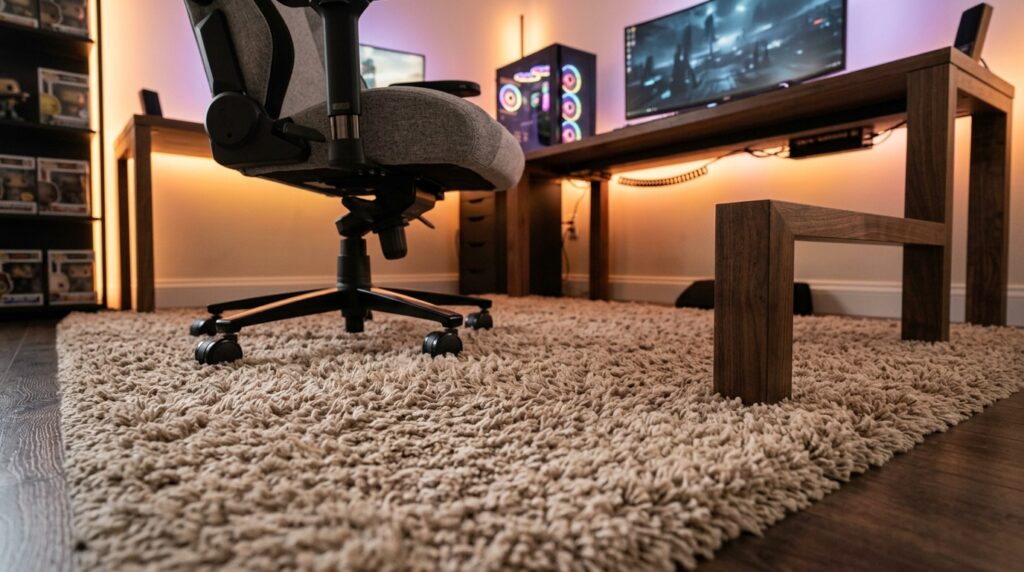
A cozy gaming room rug is one of the fastest ways to soften hard floors and sound — it softens the visual hardness of desks, cables, and monitors, and it absorbs sound so the room doesn’t echo every keystroke and click.
- Choose a thick pile rug rather than a flat weave — it adds real warmth underfoot
- Size it to extend at least a foot beyond your chair’s rolling range
- Neutral or muted tones work best so the rug doesn’t compete with lighting or screen glow
Bare flooring under a gaming desk always feels a little sterile to me. A simple rug swap made the whole room feel finished, not just functional.
3. Pick an Ergonomic Chair With Soft, Breathable Fabric
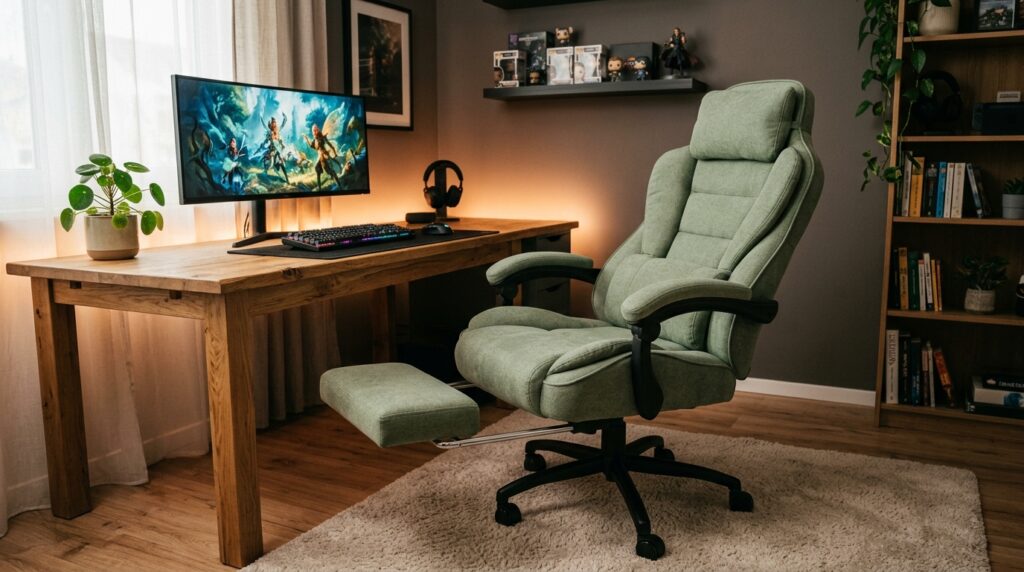
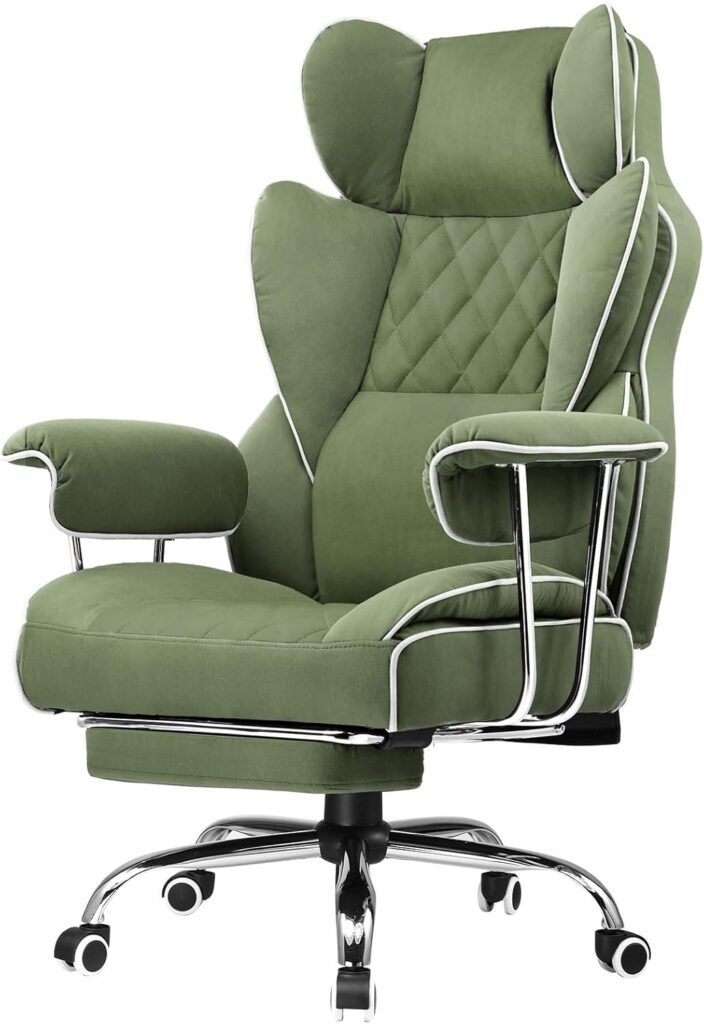
A cozy gaming chair should feel more like a favorite armchair than a cockpit seat. Fabric upholstery with real lumbar support does more for comfort during long sessions than flashy leather styling ever will.
- Look for adjustable lumbar support, not just a strapped-on pillow
- Fabric or boucle breathes better than leather over multi-hour sessions
- A footrest matters more than people expect — it keeps your knees at a proper angle if your desk height isn’t perfectly matched to your chair
Research on gaming ergonomics backs this up directly — a controlled study on esports players found that chairs with real ergonomic adjustability measurably reduced muscle stiffness during two-hour sessions compared to standard seating. You can read more about the study on Journal of Electronic Gaming and Esports.
I switched from a hard racing-style chair to a fabric one with real lumbar support, and the difference in how my back felt after a long session was immediate — not subtle, immediate.
4. Keep a Throw Blanket Within Arm’s Reach
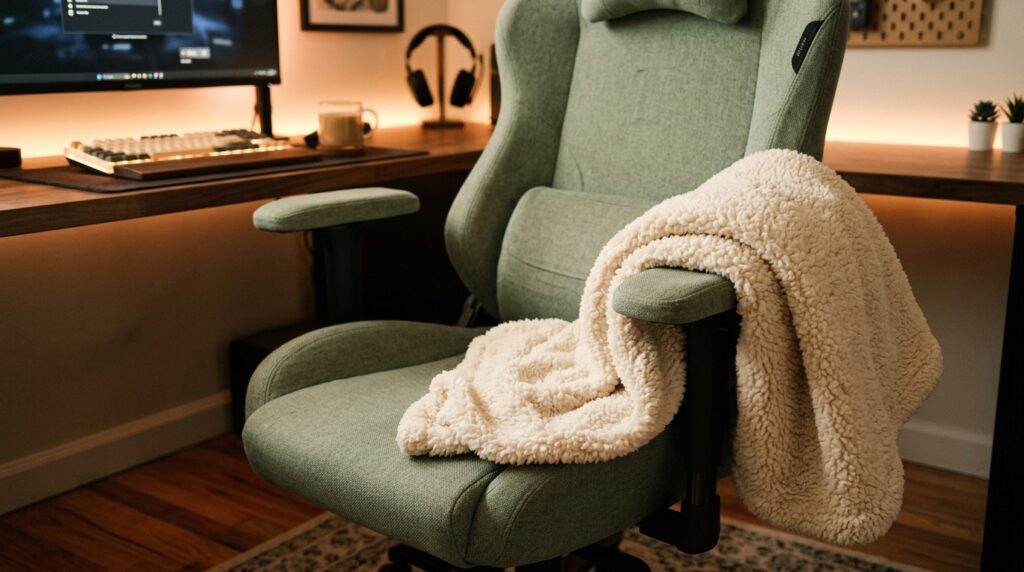
A cozy gaming setup blanket sounds like a small detail, but it’s one of the easiest ways to make a room feel lived-in rather than staged. Draped over the chair, it’s both decor and function.
- Sherpa or fleece throws add texture without looking bulky on a chair
- Keep it neutral so it complements your setup instead of clashing with lighting colors
- A blanket over the armrest also protects fabric chairs from wear over time
This is the cheapest item on this entire list, and it’s the one guests comment on the most. A blanket makes a gaming chair look intentional instead of purely functional.

5. Add Floating Shelves for Games and Personal Touches
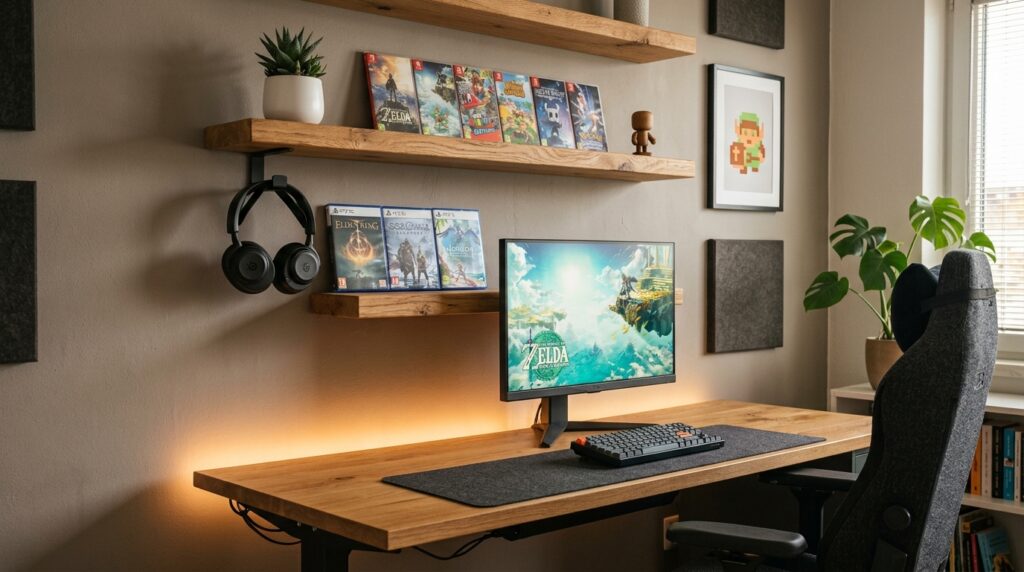
Gaming room shelving is one of the most overlooked pieces in cozy gaming room ideas — it does more than store controllers and cases, giving you a place to display the things that make the room feel like yours.
- Mount shelves above or beside your desk within easy reach of your chair
- Mix function and display — a shelf for headsets, another for figures or physical game cases
- Natural wood tones keep the room warm instead of adding more black or metal surfaces
Clutter on a desk makes a room feel chaotic fast. Moving my controllers and cases to a shelf above the desk cleared the surface and instantly made the whole setup feel calmer.

6. Bring in a Houseplant to Soften the Tech-Heavy Feel
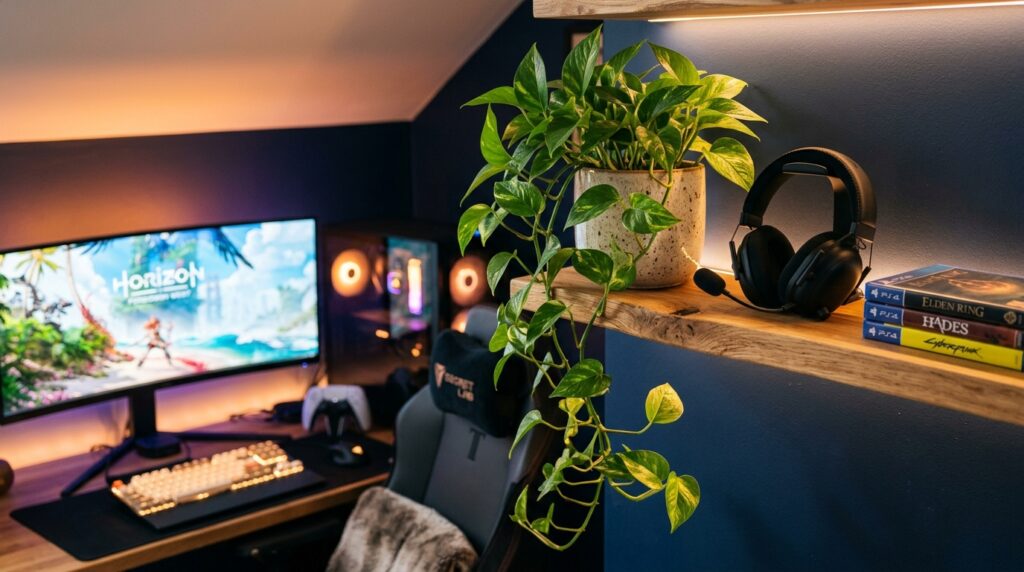
Gaming room plants do the same job here that they do in any tech-heavy space: they add life and softness to a room that’s otherwise full of hard edges, cables, and screens.
- Low-light tolerant plants like pothos or ZZ plants work well in rooms with blackout curtains
- Place one within eyeshot of your desk, not just in a corner you never look at
- A single healthy plant does more than several small struggling ones
One plant on my desk shelf changed how the whole room felt within a week — it stopped looking like a server room and started looking like a room someone actually lives in.
7. Layer Soft Textiles: Curtains, Cushions, and Wall Panels
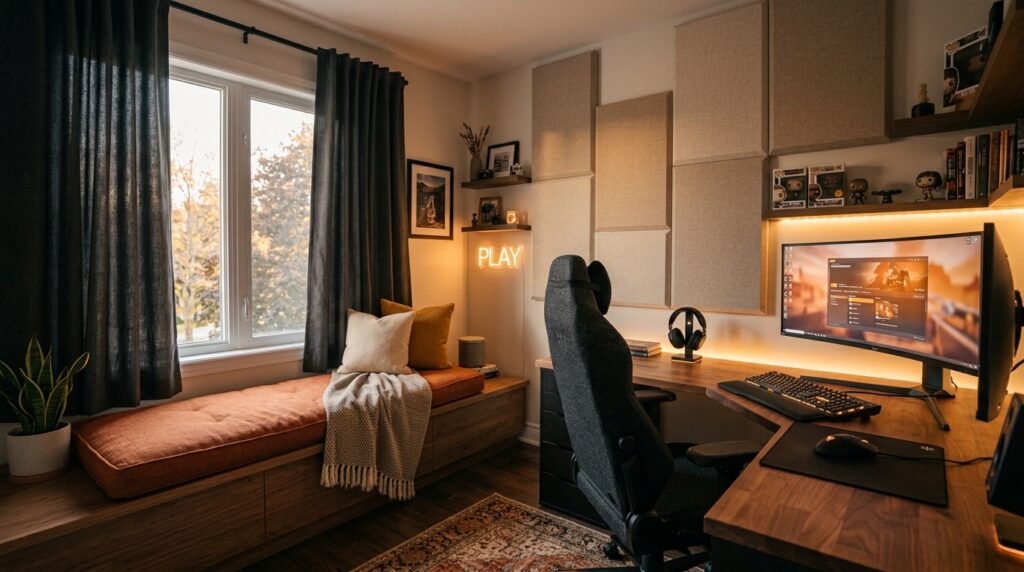
Cozy gaming room textiles cut down on echo, soften harsh light, and make the room feel finished rather than half set up. This is where a gaming room stops feeling like a workstation.
- Blackout curtains help control glare during the day and light leak at night
- A cushion on any secondary seating adds comfort and color without much effort
- Fabric wall panels behind the desk absorb sound and add texture at the same time
Textiles are the fastest way to warm up a room that’s dominated by monitors and metal. A few layered pieces do more visually than any single expensive item.
8. Separate Gaming Mode From Sleep Mode With Smart Layout
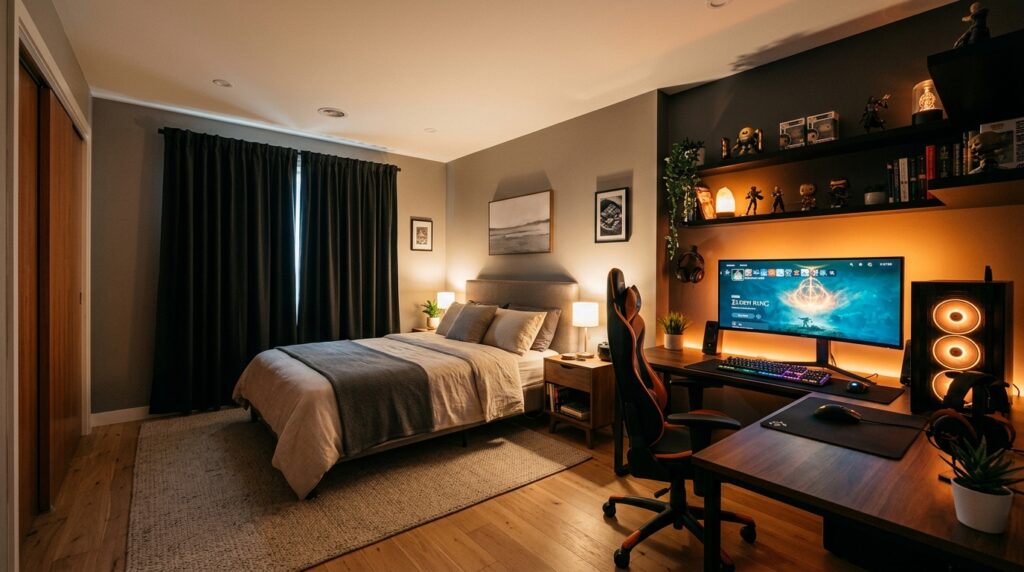
Gaming bedroom layout matters more than most people realize. If your monitor faces your bed directly, your brain never fully switches out of “gaming mode,” which can quietly affect sleep quality.
- Position your desk and monitor at an angle away from the bed, not facing it
- Use blackout curtains if late sessions run into early morning light
- Keep the sleep zone visually distinct — different lighting, different textures — from the gaming zone
Small bedrooms often force gaming and sleeping into the same sightline. Check out our Cozy Small Bedroom Ideas guide for layout tricks that help both zones coexist without feeling cramped.
9. Mistakes That Make a Gaming Room Feel Cold, Not Cozy
Most cozy gaming room mistakes come from prioritizing tech specs over how the room actually feels to sit in for hours at a time — and avoiding them matters more than buying more gear.
- Relying on a single overhead light or only monitor glow as the room’s lighting
- Choosing an aggressive racing-style chair in leather when a fabric ergonomic chair would be more comfortable
- Leaving cables and cords visible and tangled, which makes even a well-decorated room feel messy
- Skipping textiles entirely, leaving a room of hard surfaces with nothing to soften it
- Facing the monitor directly at the bed, which blurs the line between gaming time and sleep time
Most of these mistakes cost nothing to fix. It’s less about buying more and more about rethinking how the existing pieces are arranged.
10. Pro Tips to Build a Cozy Gaming Room on Any Budget
Cozy gaming room tips don’t require a full renovation. A few intentional changes go further than a total overhaul.
- Start with lighting first — it’s the cheapest change with the biggest visual impact
- Cable-manage before you decorate, since visible cords undercut every other design choice
- Add one plant, one throw, and one rug before buying any new tech — comfort compounds faster than gear does
- Match your lighting temperature across the room so nothing feels mismatched or clinical
- Reassess the layout every few months as your setup grows — cozy isn’t a one-time fix, it’s ongoing maintenance
If you’re ready to build out a full bedroom around this same comfort-first philosophy, our Luxury Bedroom Ideas 2026 guide covers how to elevate the rest of the room to match.
Ambient Lighting Options at a Glance
Before you settle on a single fix, here’s how the most popular cozy gaming room lighting options compare side by side.
| Lighting Type | Best For | Control | Price Range |
|---|---|---|---|
| Smart LED Strip | Desk and monitor backlighting | App/voice, dimmable, color-changing | $15 – $40 |
| Warm Table Lamp | Secondary ambient light, reading | Manual switch or dimmer | $20 – $50 |
| Floor Lantern | Corner filler, soft indirect light | Manual switch | $30 – $70 |
Final Thoughts on Cozy Gaming Room Ideas
Great cozy gaming room ideas aren’t built in one shopping trip — they come together through small, intentional swaps that add warmth without taking away from function. Start with lighting and seating, since those affect comfort the most, then layer in textiles, plants, and personal touches over time.
Frequently Asked Questions
What makes a gaming room feel cozy instead of cold?
Warm, dimmable lighting and soft textiles make the biggest difference when building cozy gaming room ideas that actually feel comfortable, not just decorated. Cold gaming rooms usually rely on a single bright light source and hard, uncovered surfaces.Is warm or cool lighting better for a cozy gaming setup?
Warm lighting (around 2700K-3000K) is better for a cozy feel and reduces eye strain during long sessions. Cool white or default RGB lighting tends to feel more clinical and can increase eye fatigue over time.
How do I make a small gaming room feel cozy?
Even small cozy gaming room ideas work well with layered lighting, a soft rug, and vertical storage like floating shelves so the floor space stays open. Small rooms benefit more from texture and warmth than from adding more furniture.
Can a cozy gaming room still be good for competitive gaming?
Yes. Comfort and performance aren’t opposites — an ergonomic chair, good lighting, and proper monitor positioning all support longer, more focused sessions without sacrificing setup quality.
What furniture makes the biggest difference in a cozy gaming room?
An ergonomic fabric chair has the biggest overall impact, since it affects both comfort and how the room visually feels. A supportive chair paired with a soft throw and rug covers most of the cozy factor on its own.